Our Take
Apple made the MacBook Air fanless. That was a design choice. What they didn't mention is that without a fan, your Air just eats throttling like a dessert when you push it hard—long builds, Local AI runs, clamshell mode, external displays. The thing runs hot, slows down, and leaves you wondering why your $1,000 laptop feels like a $400 Chromebook.
That's where SizzleAir comes in. It's a tiny menu bar app that watches your Air's thermal pressure in real-time—not just a wall of sensor readings nobody understands—and tells you what's actually happening. Is it the workload? Your external display? Some rogue app eating CPU? SizzleAir combines local thermal signals with context (display state, clamshell mode, active processes) and gives you one clear next step: wait, open the lid, unplug the display, or pause the heat-generating app. It tracks the last 60 minutes so you can see exactly when things went sideways, and it logs today's thermal episodes so you know which app keeps causing problems.
Most Mac utilities show you a pile of temperature numbers and let you figure it out. SizzleAir does the opposite—it detects, explains, recommends. Before your Air spends the session throttling. For anyone running local LLMs, video exports, or just accidentally leaving their Air closed in clamshell mode with an external monitor, this is the app that makes the fanless design actually usable.
Links
Similar products worth knowing

Is Your Site Agent-Ready? by Cloudflare
Scan your website to see how ready it is for AI agents.

Pixel
You type. Pixel creates, launches & optimizes ads.
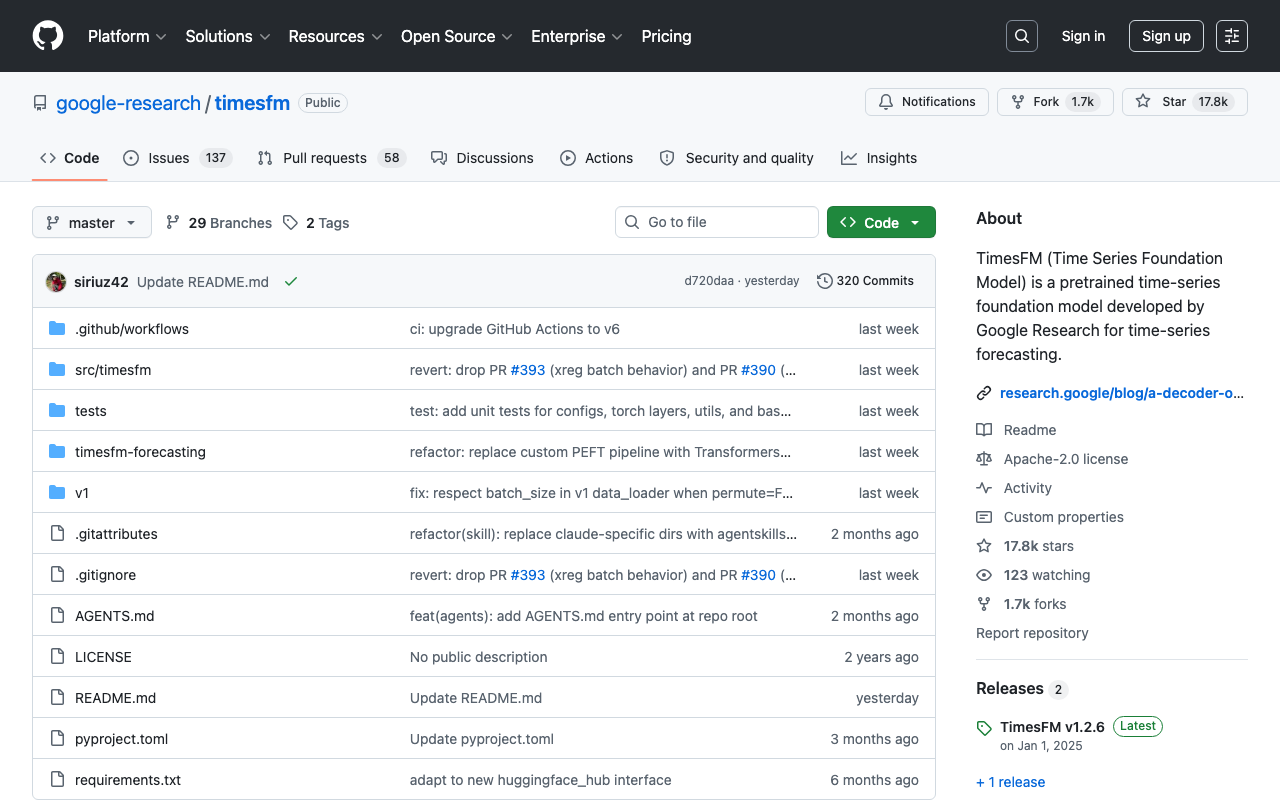
timesfm
A pretrained time-series foundation model developed by Google Research for time-series forecasting

Straude
Code like an athlete. | Strava for Claude Code
Want products like this in your inbox every morning?
Five products. Every morning. Written by someone who actually cares whether they're good or not. Free forever, unsubscribe whenever.