GhostSnap
Multiple screenshots - Single paste - Auto compressed for AI Discussion | ...
Our Take
If you've ever tried pasting three screenshots into Slack, Notion, or Linear one by one—clicking, pasting, waiting, repeat—you already know the pain. GhostSnap fixes it in two seconds flat. Take as many screenshots as you need using your normal macOS shortcuts (Cmd+Shift+3, 4, 5), they queue silently in the background, and ONE Cmd+V pastes all of them together. No repetition, no friction.
But here's where it gets actually interesting for AI workflow. GhostSnapcompresses each screenshot by up to 80 percent—dropping a 3.2MB screenshot to around 420KB—without touching quality. That means fewer tokens consumed when you're uploading screenshots to Claude, ChatGPT, or whatever AI tool you're using. For teams burning through screenshots in bugs, docs, and design reviews, that adds up fast.
It also throws in OCR to extract text from any screen region, annotation tools to highlight, draw arrows, circle areas, and add labels before you paste, and it all stays locally on your Mac. Nothing uploads, nothing tracks. Apple-notarized and requires macOS 13+. $6.99 early bird, $10 after—one license covers two Macs.
This is the tool you didn't know you needed until you try it once. Then you uninstall Preview and never look back.
Links
Similar products worth knowing
Is Your Site Agent-Ready? by Cloudflare
Scan your website to see how ready it is for AI agents.

Pixel
You type. Pixel creates, launches & optimizes ads.
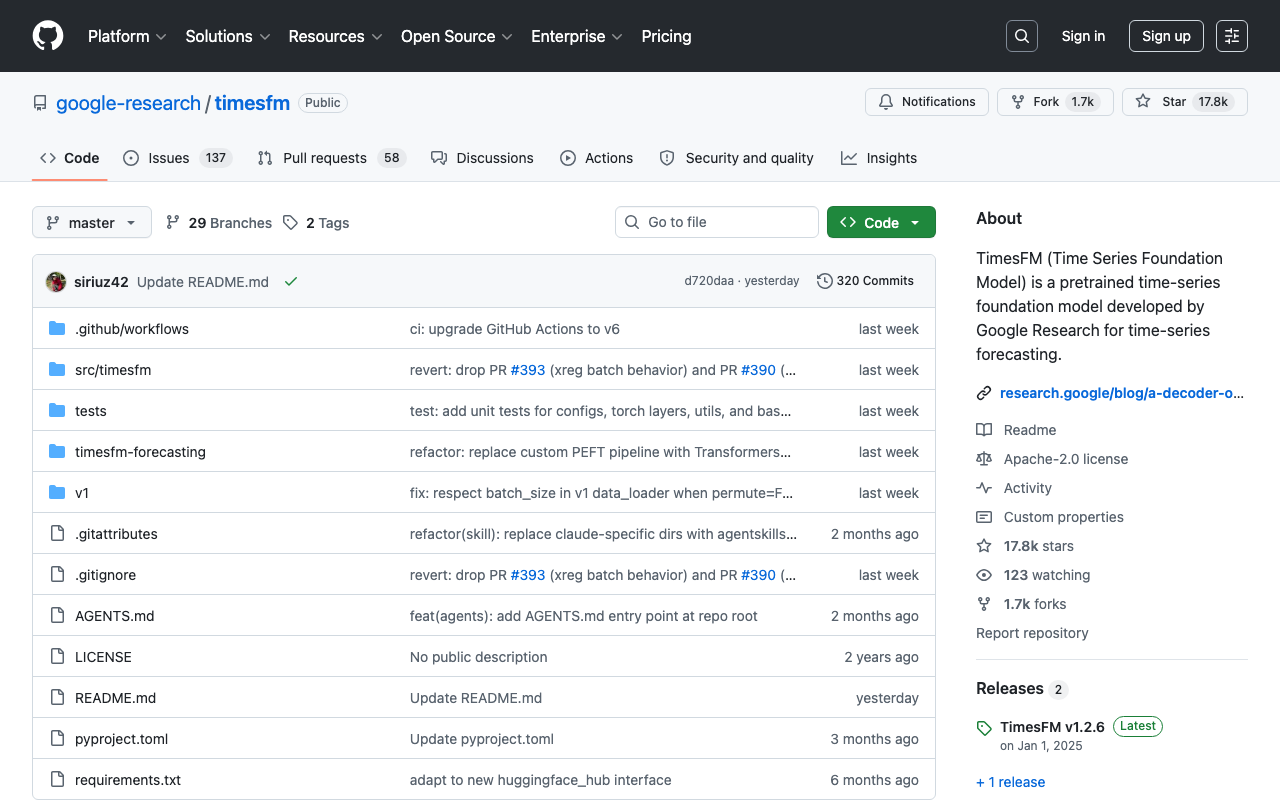
timesfm
A pretrained time-series foundation model developed by Google Research for time-series forecasting

Straude
Code like an athlete. | Strava for Claude Code
Want products like this in your inbox every morning?
Five products. Every morning. Written by someone who actually cares whether they're good or not. Free forever, unsubscribe whenever.