Our Take
Your desktop is a disaster. Your Downloads folder looks like a crime scene. You've got PDFs mixed with memes, old DMGs piling up, screenshots everywhere, and files from three years ago still cluttering everything. We've all been there. AutoShelf fixes it by watching your folders and moving files where they belong—automatically. Set a rule once and never touch it again.
It's a $19.99 one-time purchase for macOS 13+. Start free with one rule, unlock everything. That's rare in a world of $15/month subscriptions. The app watches your Downloads, Desktop, or any folder you pick and routes files based on what you tell it. File type? Download source? Which app downloaded it? Filename pattern? Size? Age? Stack those conditions and tell AutoShelf what to do—move, copy, rename, tag, trash, archive, optimize. It handles the boring stuff so you don't have to.
The roadmap is solid: nested folder hierarchies so you can route files into Project → Client → Date structures, direct imports to the macOS Photos app, multi-action chains like move plus rename plus tag in one rule. They're also exploring cloud storage uploads to iCloud, Dropbox, Google Drive—auto-upload your sorted files without lifting a finger. Five built-in templates get you started fast: organize Downloads by type, auto-delete old DMGs, clean your Desktop weekly, sort by source URL, auto-trash installers.
It sounds simple because it is. That's the point. Most file management tools overcomplicate things. AutoShelf just watches your folders and does what you said. One time payment. No subscriptions. Your Mac finally organizes itself.
Links
Similar products worth knowing
Is Your Site Agent-Ready? by Cloudflare
Scan your website to see how ready it is for AI agents.

Pixel
You type. Pixel creates, launches & optimizes ads.
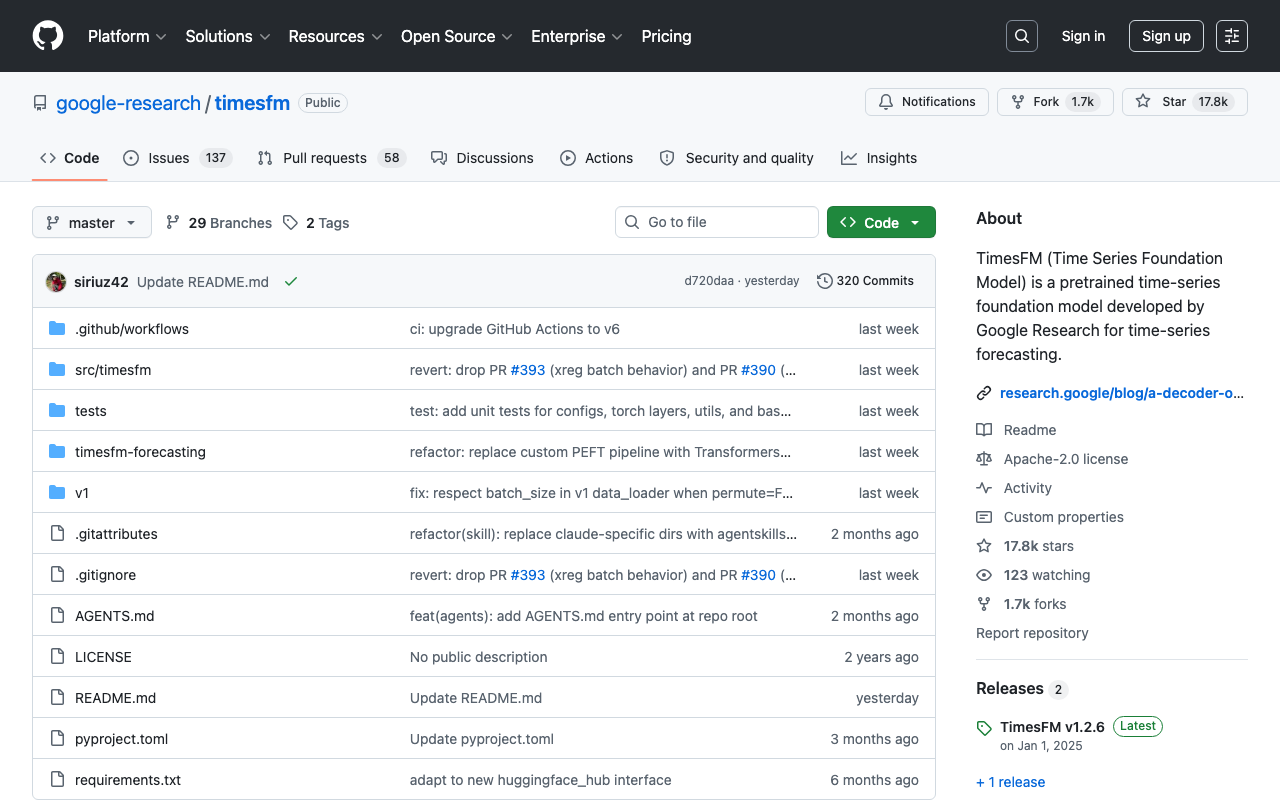
timesfm
A pretrained time-series foundation model developed by Google Research for time-series forecasting

Straude
Code like an athlete. | Strava for Claude Code
Want products like this in your inbox every morning?
Five products. Every morning. Written by someone who actually cares whether they're good or not. Free forever, unsubscribe whenever.